Overview
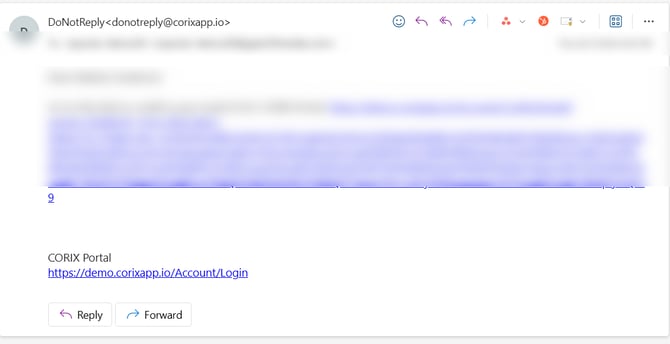
After creating a Corix account, you'll receive a confirmation email to verify your email address. Your account cannot be activated until this step is completed.
How to confirm your email
- Open the email sent to the address used during registration.
- Locate the verification message.
- Select the confirmation link.
- Return to the Corix login page.
- Sign in using your credentials.
Once your email has been verified, you'll be able to access your account and begin your application.
Didn't receive the email?
Check your spam or junk folder. Verification emails may occasionally be filtered by your email provider.
Verify the email address used during registration. If the address was entered incorrectly, contact your firm's support team.
Wait a few minutes. Email delivery may be delayed during periods of high volume.
Frequently asked questions
Can I use Corix without confirming my email?
No. Email verification is required before account access is granted.
The verification link doesn't work.
Try opening the link in a different browser. If the issue persists, contact support.