Overview
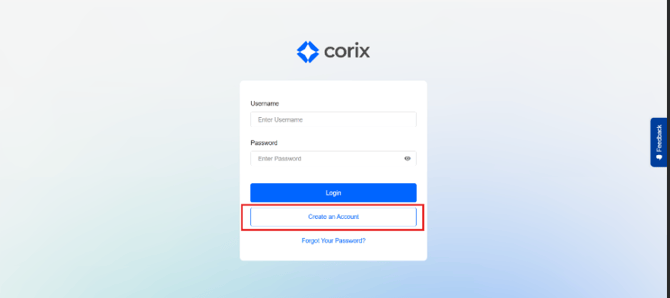
OverviewBefore you can submit an application or access your account information, you'll need to create a Corix account.
If you have never used the portal before, select Register. If you already have an account, use Login to access the portal.Creating a New Account
- Navigate to your firm's Corix portal.
- Select Register.
- Enter your personal information.
- Provide a valid email address.
- Enter a mobile phone number.
- Complete any required security acknowledgements.
- Submit your registration.
Once your registration is submitted, Corix will send a verification email to activate your account.Logging InIf you already have an account:
- Navigate to the login page.
- Enter your username and password.
- Complete any required authentication steps.
- Select Login.
Frequently Asked Questions
Can I register more than once?
No. Each account should be associated with a unique email address and mobile phone number.
I already submitted an application. Do I need a new account?
No. Use the same account credentials to access your existing application and account information.
I received an error during registration.
Verify that:
- All required fields have been completed.
- Your email address is valid.
- Your mobile phone number has not already been associated with another account.