
Overview
Before you can submit funding requests, you may need to link a bank account to your Corix account.
How to link a bank account
- Log in to Corix.
- Navigate to the Bank Accounts or Funding section.
- Select Add Bank Account.
- Enter your banking information.
- Review the information and submit.
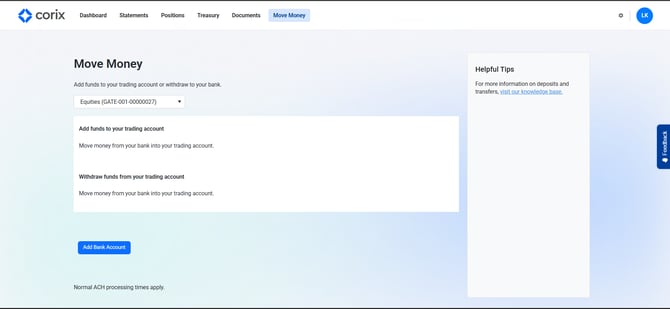
Your bank account may require verification before it can be used for deposits or withdrawals.
Frequently asked questions
Why is my bank account still pending?
Your firm's operations team may still be reviewing the account information.
Why was my bank account rejected?
This may occur if account information is incorrect or additional verification is required.
Can I link multiple bank accounts?
Availability depends on your firm's configuration.