Overview
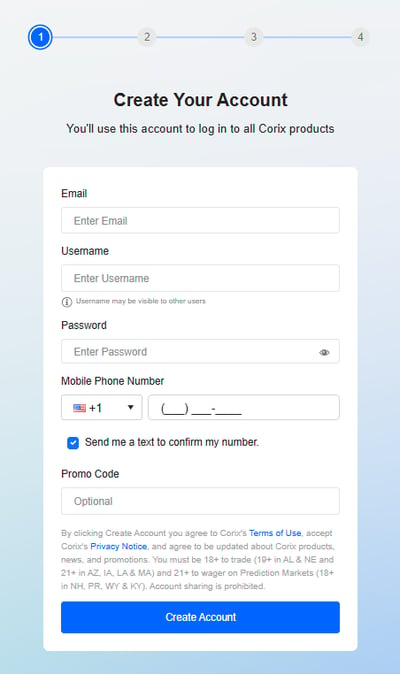
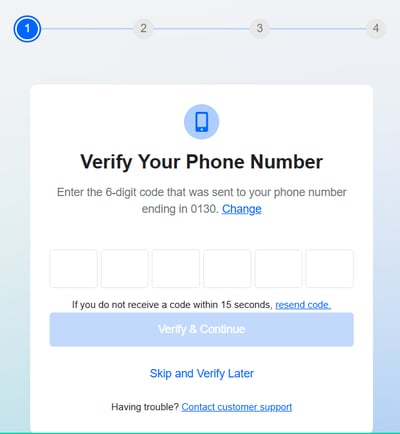
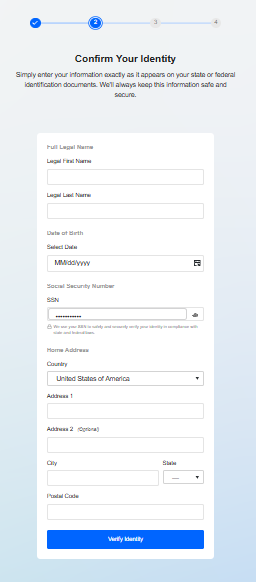
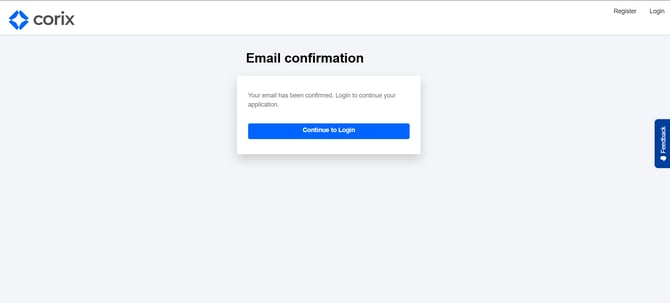
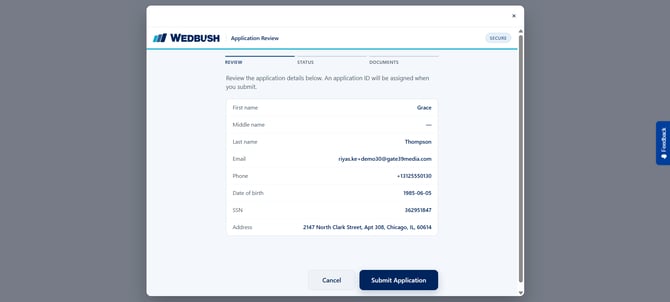
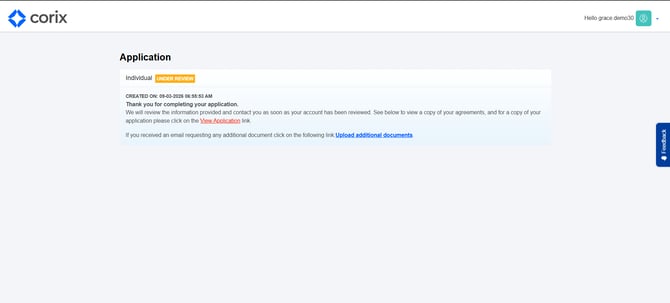
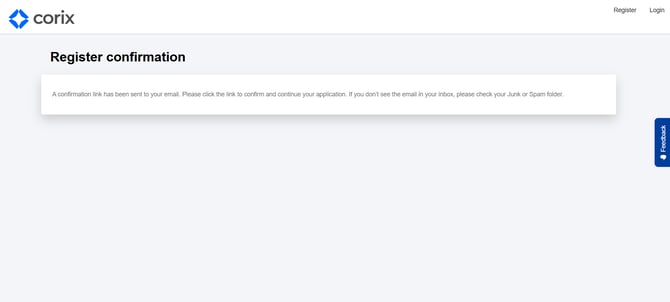
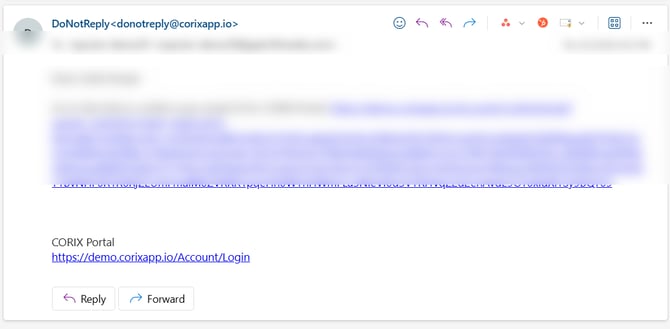
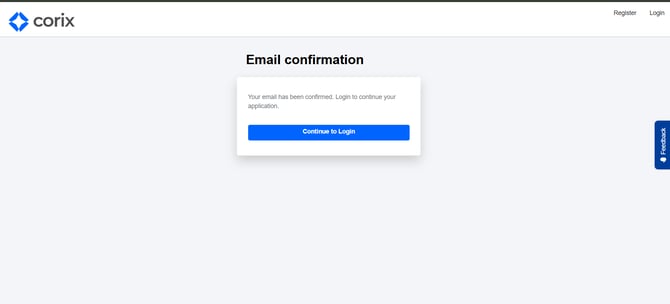
Once your account has been created and verified, you can begin a new application through the Corix portal. The application collects information required to establish and service your account.
How to start a new application
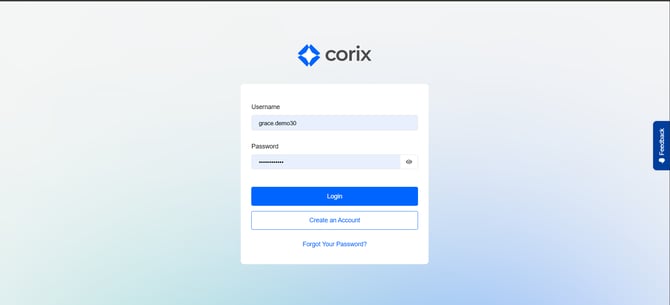
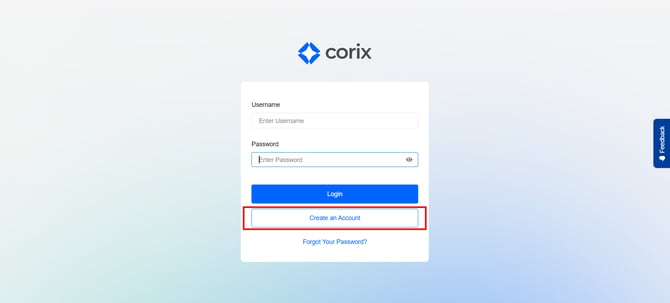
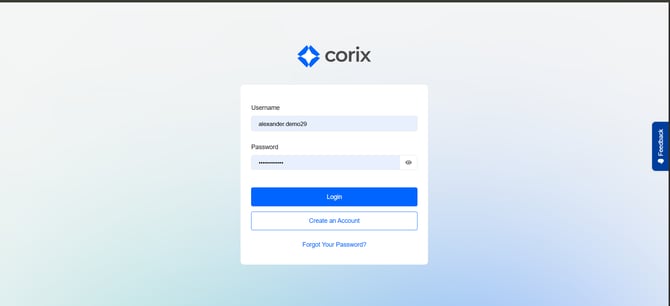
- Log in to Corix.
- Navigate to the Applications area.
- Select Start New Application.
- Complete each section of the application.
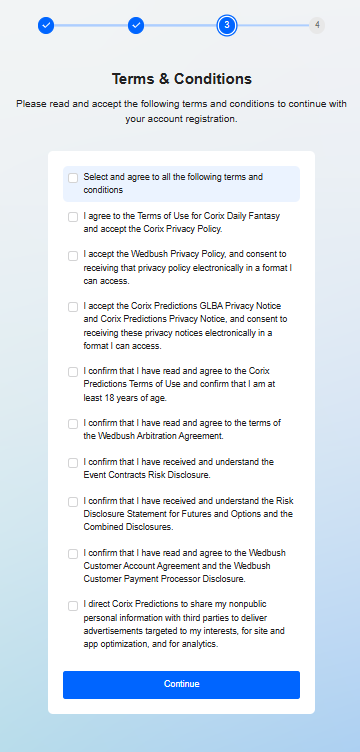
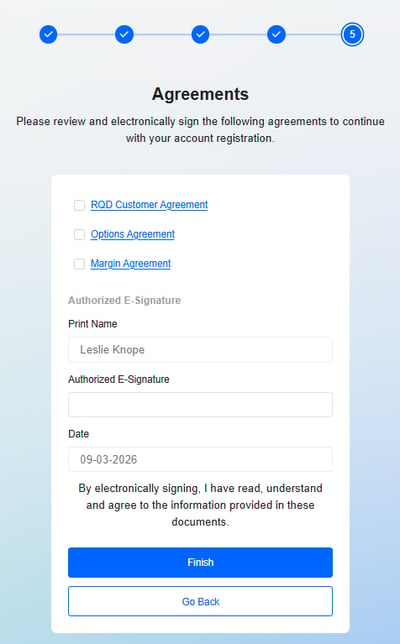
- Review all disclosures and agreements.
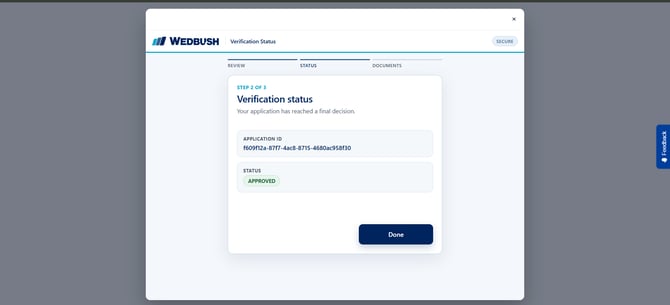
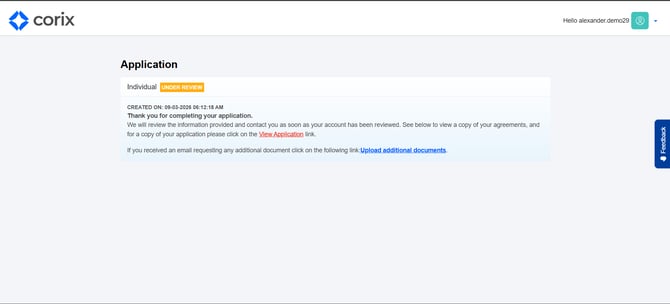
- Submit the application for review.
What information will I need?
You may be asked to provide:
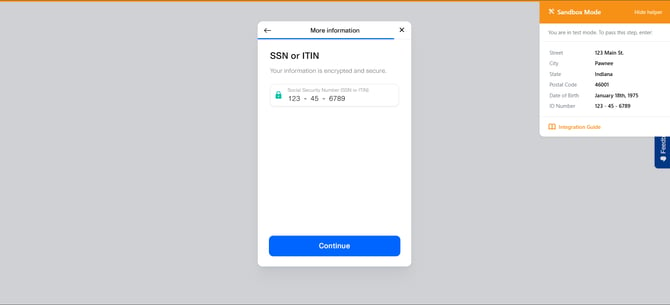
- Personal information
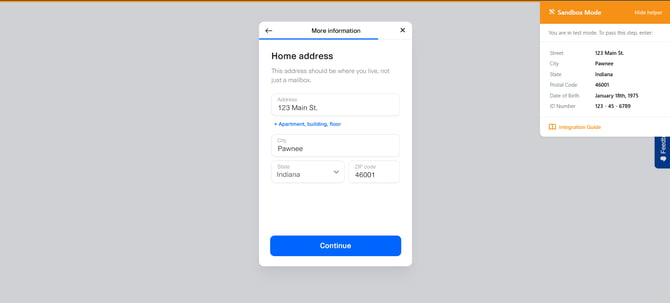
- Address information
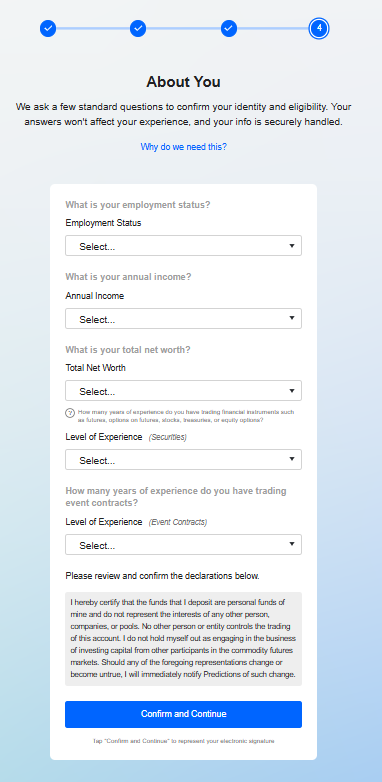
- Employment information
- Financial information
- Trading experience information
- Required disclosures and signatures
Frequently asked questions
Can I save my application and come back later?
Your firm's implementation may determine how in-progress applications are handled.
Can I submit multiple applications?
Corix supports the ability to initiate additional applications when needed.
Why can't I move to the next section?
Review the current page for incomplete required fields or unsigned disclosures.
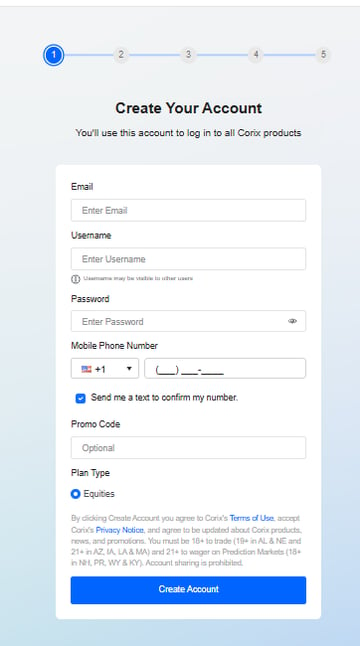
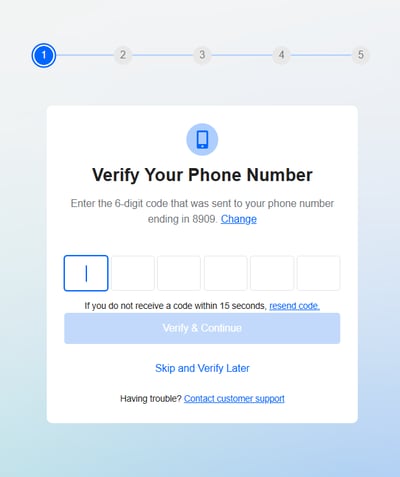
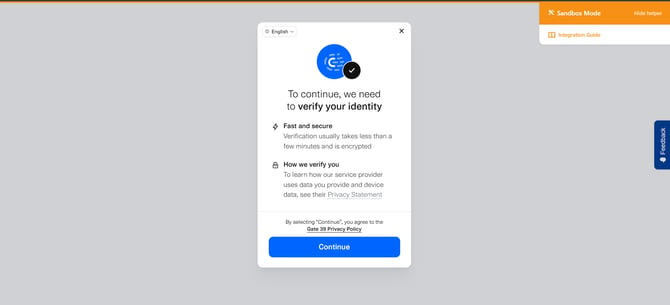
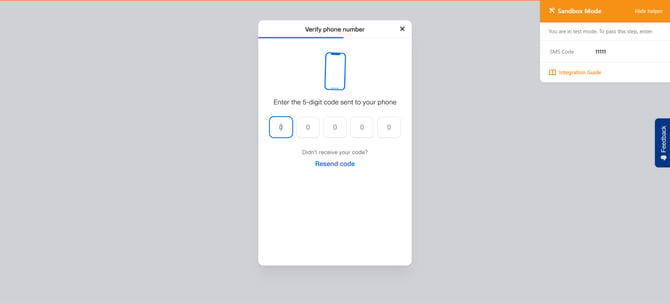
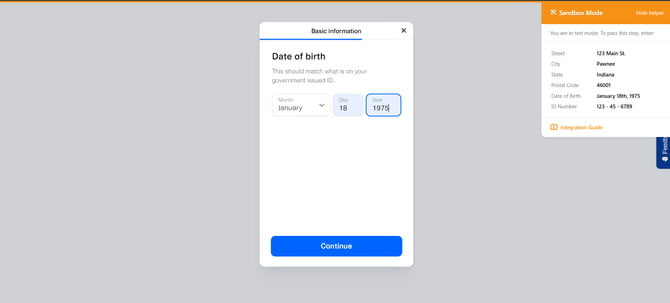
Example: Equities plan type application
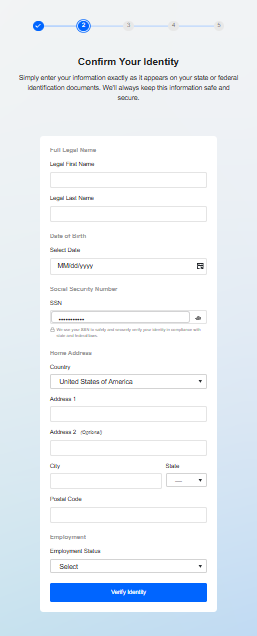
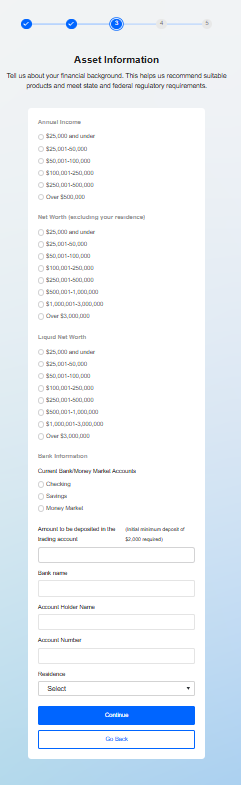
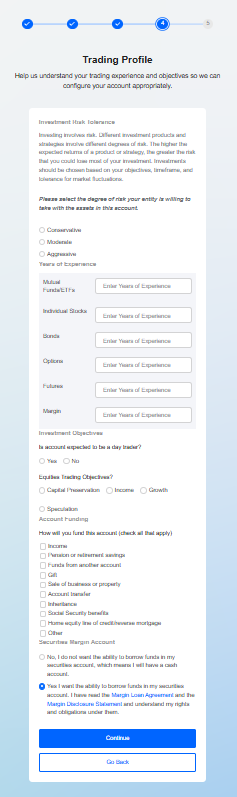
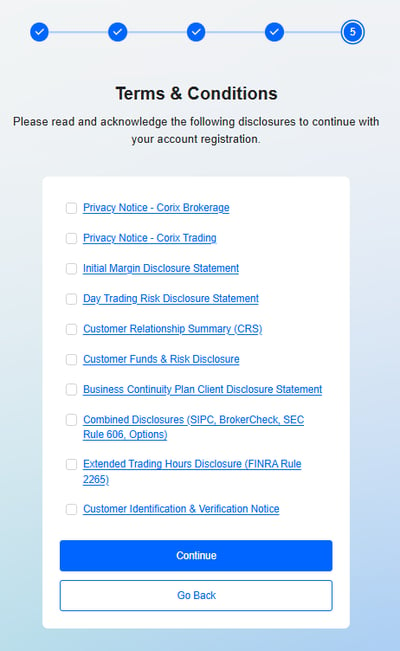
Example: Events plan type application