
Overview
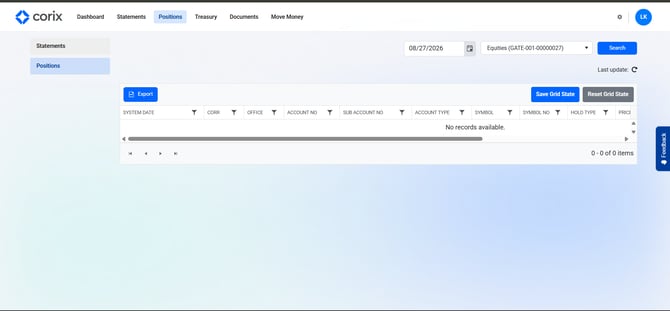
The Positions section allows you to view your current account holdings and open positions. Once account data is available, you can review the positions associated with your account.
Viewing your positions
- Log in to Corix.
- Navigate to the Positions section.
- Select the account you wish to review, if applicable.
- View your current positions and holdings.
Frequently asked questions
Why don't I see any positions?
If you do not currently hold any positions, this section may be empty.
Why are my positions showing as zero?
Position data may not be available until information has been received from connected brokerage or clearing systems.
Can I view historical positions?
Availability depends on your firm's Corix configuration.