
Overview
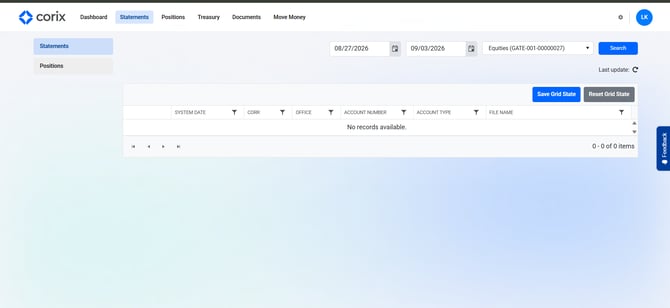
The Statements section provides access to account statements and other account-related documents made available through your firm.
Viewing your statements
- Log in to Corix.
- Navigate to the Statements section.
- Select the statement you wish to view.
- Open or download the document.
Frequently asked questions
Why don't I see any statements?
Statements may not be available if your account is new or if documents have not yet been generated.
Can I download my statements?
Yes. Available statements can typically be viewed and downloaded from the portal.
Are tax documents available in Corix?
Tax documents may be available alongside account statements, depending on your firm's implementation.