
Overview
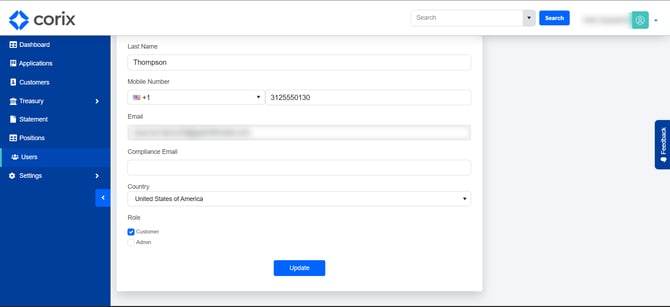
Roles determine what users can view and manage within Corix. Assigning the appropriate role helps ensure users have access to the tools they need while maintaining security and operational controls.
Note: Available roles and permissions may vary based on your firm's Corix configuration.
Common roles
| Permission | Admin | Operations | Client/User |
|---|---|---|---|
| View own account information | ✓ | ✓ | ✓ |
| Submit applications | — | — | ✓ |
| View customer applications | ✓ | ✓ | — |
| Review application details | ✓ | ✓ | — |
| Approve or deny applications | ✓ | ✓ | — |
| Request additional documents | ✓ | ✓ | — |
| Send messages to users | ✓ | ✓ | — |
| View email history | ✓ | ✓ | — |
| View audit logs | ✓ | ✓ | — |
| View user login activity | ✓ | ✓ | — |
| Manage users | ✓ | — | — |
| Update user roles | ✓ | — | — |
| Configure platform settings | ✓ | — | — |
Role descriptions
Administrator
Administrators have access to platform configuration and user management tools. This role is typically responsible for managing users, configuring settings, and overseeing operational activity.
Operations
Operations users are responsible for reviewing and processing applications, communicating with customers, reviewing documents, and performing day-to-day account administration tasks.
Client/User
Client users can manage their own account, submit applications, upload documents, review account information, and access available account resources.
Frequently asked questions
Who can change a user's role?
User role management is typically restricted to administrators.
Why can't a user access a feature?
Access to specific features is controlled by the permissions associated with the user's assigned role.
Can permissions be customized?
Available roles and permissions may vary based on your firm's Corix configuration and implementation.