
Overview
If you're unable to access your account because you've forgotten your username or password, Corix provides recovery options directly from the login screen.
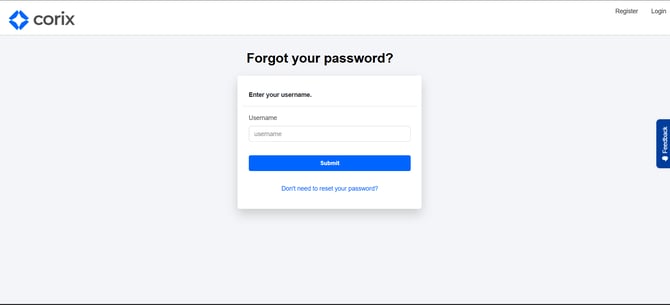
Resetting your password
- Navigate to the login page.
- Select Forgot Password.
- Follow the prompts provided.
- Complete any required verification steps.
- Create a new password.
Recovering your username
- Navigate to the login page.
- Select Forgot Username.
- Follow the recovery instructions.
- Verify your identity if requested.
- Retrieve your username.
Frequently asked questions
I don't receive the recovery email.
Check your spam folder, junk folder, and corporate email quarantine. If you still cannot locate the message, contact support.
My password reset link has expired.
Request a new password reset email and use the most recently generated link.
I'm locked out of my account.
Contact your firm's support team for assistance.