
Overview
Corix stores application-related documents within the portal so you can access them when needed.
Accessing your documents
- Log in to Corix.
- Navigate to the Documents section of your account.
- Locate the document you want to view.
- Open or download the document.
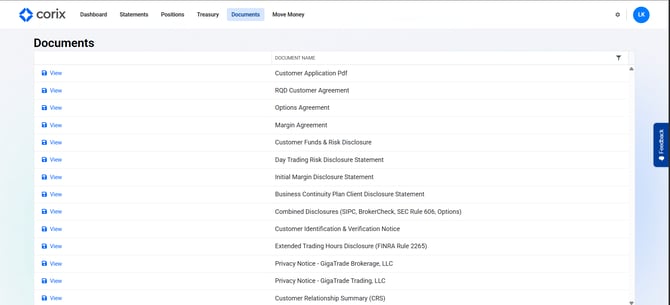
Available documents may include:
- Signed agreements
- Application documents
- Disclosures
- Additional forms requested by your firm
Frequently asked questions
I can't find a document I signed.
Recently submitted documents may still be processing. If the document does not appear after processing is complete, contact your firm's support team.
Can I download copies for my records?
Yes. Downloadable document copies are available from the portal.
Are signed disclosures stored in Corix?
Yes. Signed agreements and disclosure documents are retained and available for review.